LOKTV iOS Guide: Can You Use LOKTV on iPhone?
A practical iPhone and iPad guide for users searching LOKTV iOS, LOKTV for iPhone, Loklok iPhone, or Loklok IPA. Learn what works, what an APK cannot do on iOS, and how to check App Store or IPA claims before installing anything.
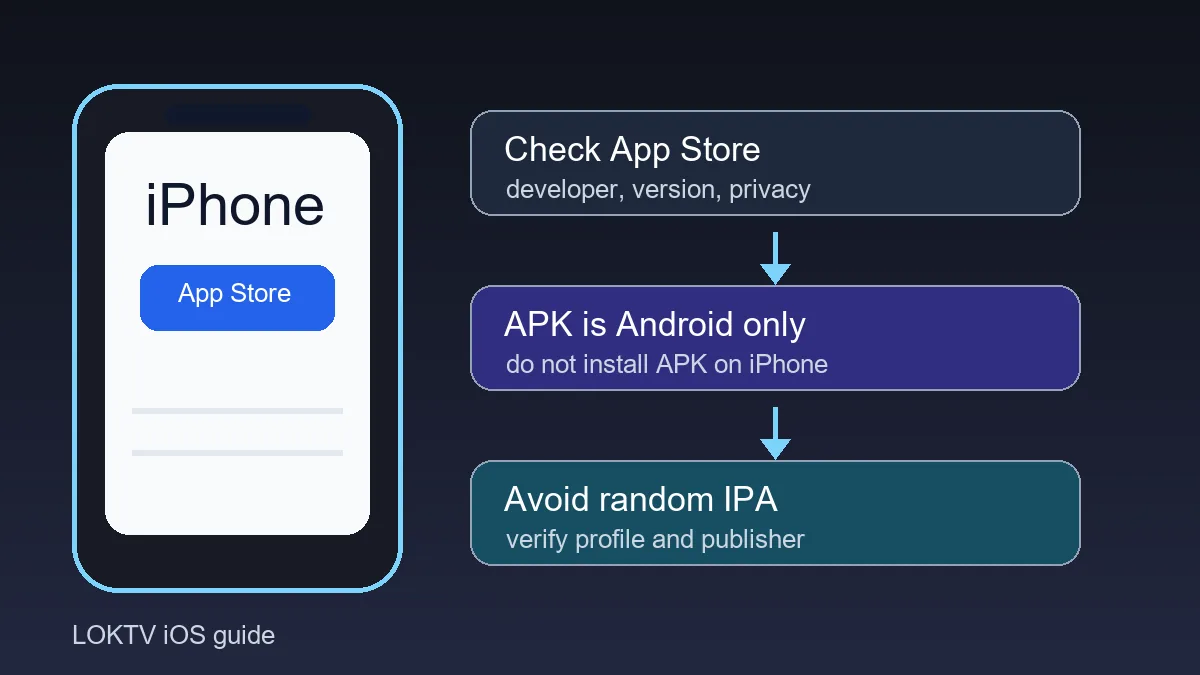
Quick answer: you cannot install an Android APK directly on an iPhone. APK is the Android app package format, while iPhone and iPad use iOS apps distributed through Apple's App Store or approved Apple distribution flows. If you search for LOKTV iOS, first look for a legitimate iOS app listing and avoid random IPA or profile-install pages that hide their publisher.
This page is separate from the main LOKTV APK download page, which focuses on Android. It is also different from the Smart TV guide and the Windows PC guide. Here the goal is iPhone, iPad, App Store checks, APK limitations, and safer alternatives.
Guide Contents
Can You Install LOKTV APK on iPhone?
No. An APK file is built for Android, so iOS will not install it like an app package. If a website tells you to download a LOKTV APK and open it on iPhone, the instruction is incomplete or misleading. At best, the file will not install. At worst, the page may push a configuration profile, fake verification step, or unrelated app. Android Developers documents Android App Bundles and APK generation as part of the Android app delivery path.
For iPhone users, the safer question is not where the APK is, but whether there is a real iOS app listing and whether the publisher information matches the service you expect. Apple's normal consumer route is the App Store, where you can inspect app name, developer, screenshots, privacy labels, version history, ratings, and supported devices before installing. Apple Support explains the standard iPhone and iPad App Store install flow.
Some search results mention Loklok iPhone, Loklok IPA, or LOKTV iOS in the same breath. Treat those as different claims. App Store listing means an iOS app can be installed normally. IPA side-loading means extra risk and may require developer certificates, profiles, or enterprise distribution. Android APK remains Android-only.
Best answer
Use App Store or another clearly documented Apple-approved route for iPhone. Do not download an Android APK expecting it to install on iOS.
LOKTV on iPhone: Setup Options Compared
The same search intent can mean several different tasks: finding an official iPhone app, checking whether an APK works on iOS, casting from another device, or evaluating an IPA file. The safest option depends on how much source information is visible before you install.
Use the table before tapping any download button. The more a page asks you to bypass iOS protections, the more carefully you should verify publisher, domain, certificate, and permissions.
| Option | When it helps | Main risk | What to verify |
|---|---|---|---|
| App Store listing | Best first choice when a LOKTV or related iOS app is available in your region. | Lookalike names or unrelated publishers can confuse users. | Developer name, bundle/app name, screenshots, version history, privacy labels, region availability, and reviews. |
| Android APK on iPhone | It does not help because iOS does not install APK files. | Misleading download pages may push profiles or unrelated apps. | Avoid the APK route for iPhone; use the Android page only for Android devices. |
| IPA or profile install | Only relevant for advanced users who understand Apple signing and trust the source. | Revoked certificates, account theft, unsafe profiles, or hidden device management. | Publisher identity, signing method, profile permissions, update path, and uninstall steps. |
| Casting or TV viewing | Useful when LOKTV already works on Android and you want a bigger screen. | Quality, subtitles, or account sync may be inconsistent. | Same Wi-Fi network, cast target, subtitle behavior, and privacy of shared screens. |
How to Check a LOKTV iOS App Before Installing
Start from the App Store search results or a clearly linked App Store page. Do not start from a random file mirror. A trustworthy listing should make basic details visible before installation, including developer name, app category, device compatibility, recent update date, and privacy information.
If the listing name is close to LOKTV but the developer, screenshots, or description feel unrelated, slow down. Streaming app names are often copied by lookalike pages. The safest habit is to compare the app name, developer, icon, screenshots, and update history with the source that sent you there.
Minimum App Store check
Confirm developer, region availability, supported devices, privacy labels, version history, ratings, and whether the screenshots match the service you intend to use.
Step-by-step check
- Search the App Store directly for LOKTV or the exact app name shown by the source you trust.
- Open the listing and compare developer name, icon, screenshots, description, and category before tapping Get.
- Check whether iPhone and iPad are listed as supported devices, and confirm the app is available in your country or region.
- Read the version history and recent reviews for login, playback, subtitle, and availability problems.
- Review the privacy label and decide whether the requested data use is acceptable for a streaming app.
- If a page asks you to install a configuration profile instead of opening the App Store, stop and verify why that is needed.
Warning Signs Around Loklok IPA or iOS Mod Files
IPA files are iOS app packages, but that does not make every IPA safe. A random Loklok IPA, LOKTV iOS mod, or premium unlocked iPhone file may rely on certificates or profiles you cannot verify. Those files can stop working when certificates are revoked, and some profile flows can request device management privileges that a streaming app should not need.
Be extra cautious with pages promising no ads, VIP unlocked, premium access, or region bypass on iPhone. Those claims overlap with modified-app risk. If the page hides publisher information, requires a password-protected ZIP, asks you to complete surveys, or pushes a profile before explaining the app, leave the page.
Stop condition
Do not install profiles or IPA files from pages that hide publisher, signing, permissions, version history, or uninstall details.
| Claim | Safer signal | Warning signal |
|---|---|---|
| Official iOS app | Opens in App Store with visible developer and privacy information. | Only a direct IPA file is offered with no publisher details. |
| Premium unlocked | Clear official subscription or feature explanation. | No ads, VIP, or unlocked wording tied to a modified file. |
| Configuration profile | Explains exactly why a profile is needed and who controls it. | Asks for profile installation before showing app details. |
| Updates | Version history and update channel are documented. | Only says latest version with no date, build, or changelog. |
iPad, Browser, and Casting Alternatives
If an iPhone app is unavailable in your region, do not force an APK workaround. Try an iPad-compatible listing, an official web player if one exists, or casting from a device where the app is already installed legitimately. These options avoid pretending that Android files can run on iOS.
For a larger screen, compare the iPhone route with Android TV and Windows. A TV guide is better for remote-control setup, while the PC guide is better for emulator and keyboard use. iPhone is best when you want a normal mobile app with App Store updates and iOS privacy controls.
Troubleshooting LOKTV iOS Problems
If you cannot find LOKTV on the App Store, it may be unavailable in your region, removed, renamed, or distributed under a different official listing. Do not solve that by downloading an APK. Instead, search the exact app name, check country or region settings, and look for a clearly documented official link.
If the iOS app installs but videos fail, test another network, update iOS, restart the app, check storage, and read recent reviews for service-wide playback issues. If subtitles are missing, test another title and confirm the app language settings. If login fails, avoid repeated attempts through unofficial pages and reset credentials only through trusted account flows.
When to stop
Stop if a page asks for Apple ID credentials outside Apple, installs a device management profile without a clear publisher, redirects through surveys, or claims an APK can unlock iPhone streaming.
LOKTV iOS FAQ
Related LOKTV Guides
- Download LOKTV APK for Android - Use this for Android phones and tablets, not iPhone APK installation.
- LOKTV APK for Smart TV - Use this when the goal is watching on Android TV or Smart TV.
- Loklok Windows and PC guide - Use this for laptop or desktop viewing instead of iPhone.
- LOKTV Mod APK safety guide - Use this before trusting no ads, VIP, or premium unlocked files.
Final Recommendation
For iPhone users, the key point is simple: Android APK files are not iOS installers. Start with App Store verification, avoid random IPA and profile pages, and do not give device management privileges to a streaming app unless the publisher and reason are completely clear.
If your real goal is Android download, Smart TV viewing, or PC setup, use the dedicated guides linked above. Keeping each device route separate reduces installation risk and avoids following misleading one-size-fits-all APK instructions.