LOKTV Package Name: com.luma.zeqorix vs com.fornax.vortex
Use this guide when search results show different LOKTV app names, package IDs, latest-version claims, or mod APK files.
Quick answer: package name matters because two LOKTV-related Google Play listings appear in current search results. The mobile listing checked for this site is com.luma.zeqorix, while the TV-style listing is com.fornax.vortex. Do not install a random APK only because the title says LOKTV; compare the package name, version, update date, device target, and permissions first.
Checked September 13, 2026: current Google Play search results surfaced com.luma.zeqorix for LOKTV: Your Movies & Dramas. com.fornax.vortex is a separate TV-style identity; availability and release details can change by country, so a mirror is not proof of a current APK.
Guide Contents
Why the LOKTV package name matters
A package name is the Android identifier that stays attached to an installed app. App titles, icons, and download-page headlines can be copied, but the package name is what Android uses to install, update, and separate one app from another. For LOKTV searches, this matters because users may see mobile APK pages, TV APK pages, old-version mirrors, and mod APK pages mixed together.
If your goal is the standard Android phone app, a package that points to a TV-only listing may be the wrong fit. If your goal is a big-screen TV build, a mobile package may install but behave poorly with a remote. If a mod page changes the package name or hides it completely, the risk is higher because you cannot compare it with a known store listing.
Decision boundary
Use the homepage for normal latest-version download intent, the Smart TV guide for installation steps, and this page when the question is package identity or source verification.
Current package and version sources checked
Checked September 13, 2026: current Google Play search results surfaced com.luma.zeqorix for LOKTV: Your Movies & Dramas. com.fornax.vortex is a separate TV-style identity; availability and release details can change by country, so a mirror is not proof of a current APK.
We did not add a new direct APK file URL, did not claim a virus scan, and did not label a mirror as official. When no verified direct file is available, the safer CTA is to use the store listing or a clear where-to-download explanation.
| Source | Package | What was checked | Use on this site |
|---|---|---|---|
| Google Play mobile listing | com.luma.zeqorix |
Current search identity; reopen the listing for region-specific availability and release details | Primary official/source reference for mobile app identity |
| APKCombo mirror | com.luma.zeqorix |
Third-party mirror metadata; not current-version proof | Directional version/file-size evidence, not an official download claim |
| Google Play TV listing | com.fornax.vortex |
Separate LOKTV Showtime/TV-style package listing | Use as a separate TV package identity, not the same as the phone APK |
| Android Help | Unknown apps setting | How Android controls installing apps from outside a store | Safety reference for sideloading permissions |
How to compare com.luma.zeqorix and com.fornax.vortex
Treat com.luma.zeqorix and com.fornax.vortex as separate app identities unless a trusted source explicitly says otherwise. They may share LOKTV branding in search results, but Android will not treat them as the same package. That means updates, permissions, data, and compatibility can differ.
The most practical comparison is device intent. The mobile package should be checked against Android phone or tablet needs. The TV package should be checked against Android TV, Google TV, Fire TV, or TV box needs. If a download page says the same APK is best for every device but never mentions package name or controls, treat the page as weak.
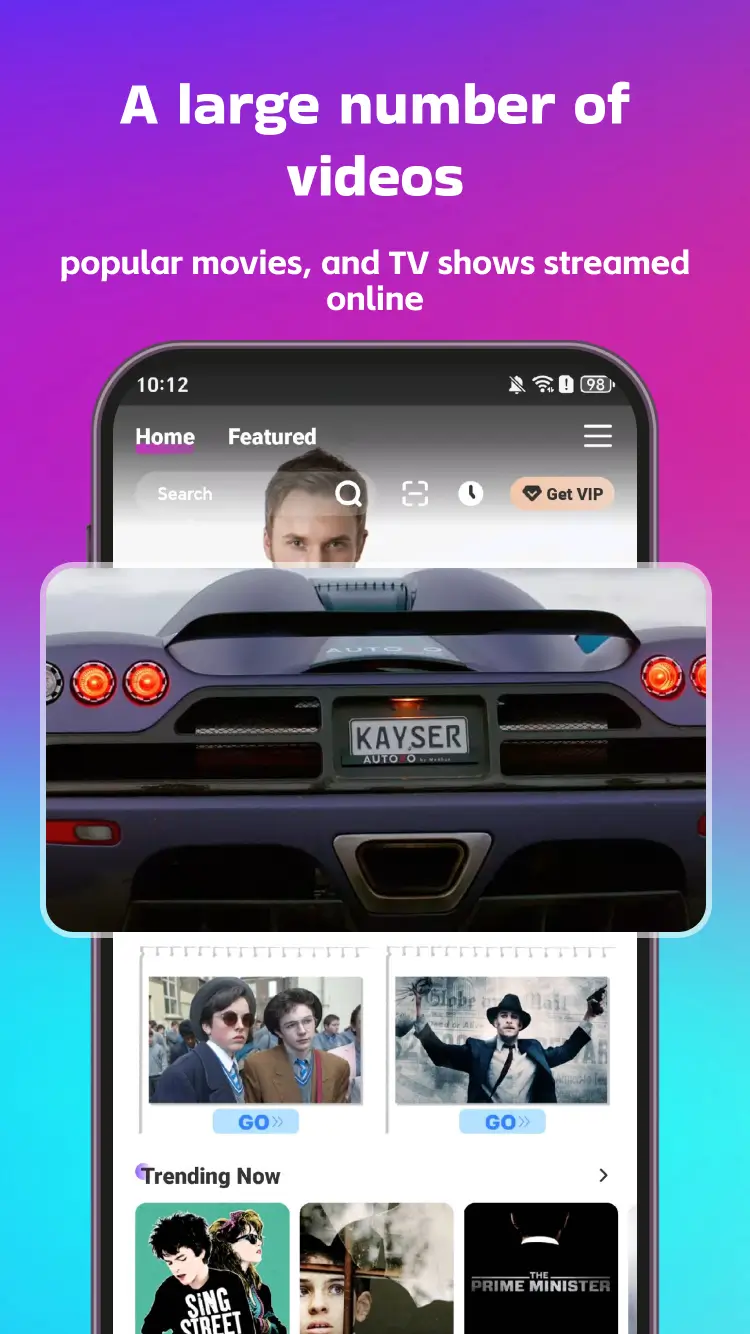
| Question | Better match | Why |
|---|---|---|
| I want LOKTV on an Android phone | com.luma.zeqorix source checks |
The current mobile listing and latest-version checks point to this package. |
| I want LOKTV on Android TV or a TV box | Check com.fornax.vortex separately |
A TV package can have different controls, layout, and update behavior. |
| I found a mod APK with another package name | Do not install until verified | Changed package identity can break updates and hide what was modified. |
| I only need install steps | Use the Smart TV or homepage guides | Package identity is a source-check task, not a full install tutorial. |
Mod APK package-name risks
Similarweb phrase-match data showed related demand around loktv mod apk, download loktv mod apk, and a low-volume package-specific variant mentioning com.fornax.vortex. Those keywords are related, but they should not become a new mod download page. A safer page should explain how to inspect the package before trusting a file.
A mod APK can reuse the LOKTV name, change the package name, request extra permissions, or block normal updates. It may also claim VIP, no ads, or premium unlocked without explaining who modified the file. If the page does not show package name, version, size, update date, and permission context, use it only as a search clue, not as an installation source.
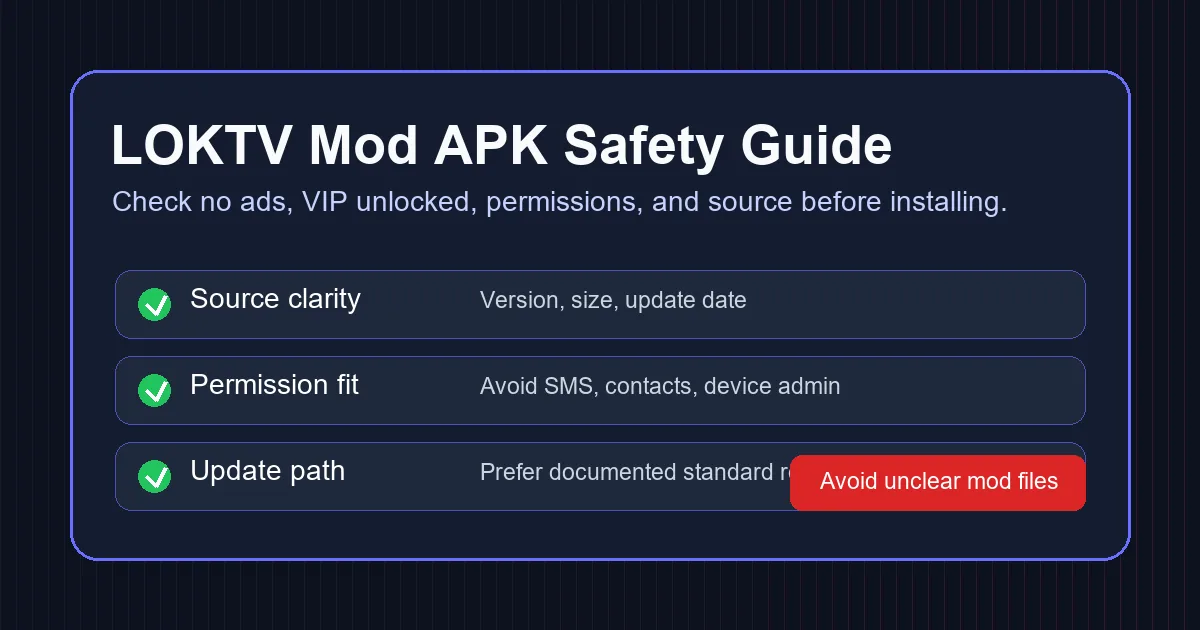
Checklist before installing a LOKTV APK
Run these checks before installing any LOKTV APK, especially when search results mention latest version, VIP, no ads, old version, package name, or Android TV. The goal is not to prove every file safe; it is to stop weak or mismatched files before they reach your device.
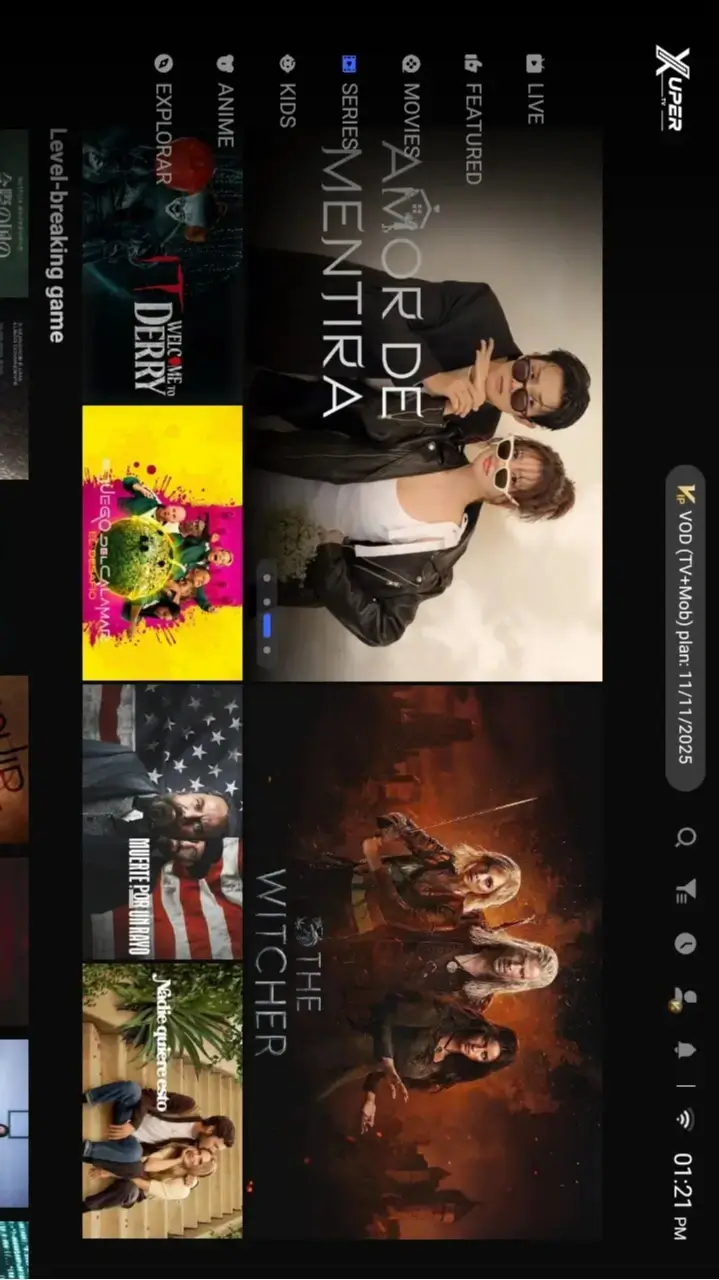
Install only after these checks
- Compare the package name with a store listing or trusted source before downloading.
- Check version, update date, file size, Android requirement, and device target.
- Avoid pages that hide the package name or use only shortened download links.
- Review permissions during installation; streaming apps should not need SMS, contacts, or device-admin access.
- Use the Smart TV guide for TV sideloading steps and the Mod APK safety guide for VIP/no-ads claims.
- After installing from outside a store, turn off the unknown-app install permission for the browser or file manager you used.
FAQ about LOKTV package names
com.luma.zeqorix. Verify it against the current Google Play listing in your region before installing an APK from another source.
com.fornax.vortex as a separate TV-style listing, not the same package as the mobile app. Compare device target, update date, and permissions before installing.
Related LOKTV guides
- LOKTV APK latest version download - Standard Android download intent.
- LOKTV APK for Smart TV - TV and Firestick install steps.
- LOKTV Mod APK safety checks - VIP, premium, and no-ads risk checks.
Conclusion
The safest LOKTV download decision starts with package identity. Use com.luma.zeqorix checks for the mobile listing, treat com.fornax.vortex as a separate TV-style listing, and do not trust mod APK pages that hide the package name.
This page was created because Similarweb showed package/mod-related search demand, while existing pages already covered standard download, Smart TV installation, and mod safety. The new page fills the missing package-verification intent without duplicating those pages.