LOKTV on Samsung Smart TV (Tizen OS): What Works and What Does Not
A practical compatibility guide for Samsung TV owners who want LOKTV without confusing Tizen apps with Android APK files.
Short answer: LOKTV on Samsung Smart TV depends on whether a compatible LOKTV app is actually listed for your TV. Samsung Smart TVs generally use Tizen OS, so an Android APK cannot be installed on the TV as if it were an Android TV device.
If LOKTV is not visible in the Samsung Apps screen, do not keep trying random APK files or a URL that only looks like a download. Check the official LOKTV website for a current platform route, or use casting and an external Android-based streaming device. This page focuses on the separate Tizen compatibility intent rather than repeating the broader Android TV and Firestick APK guide.
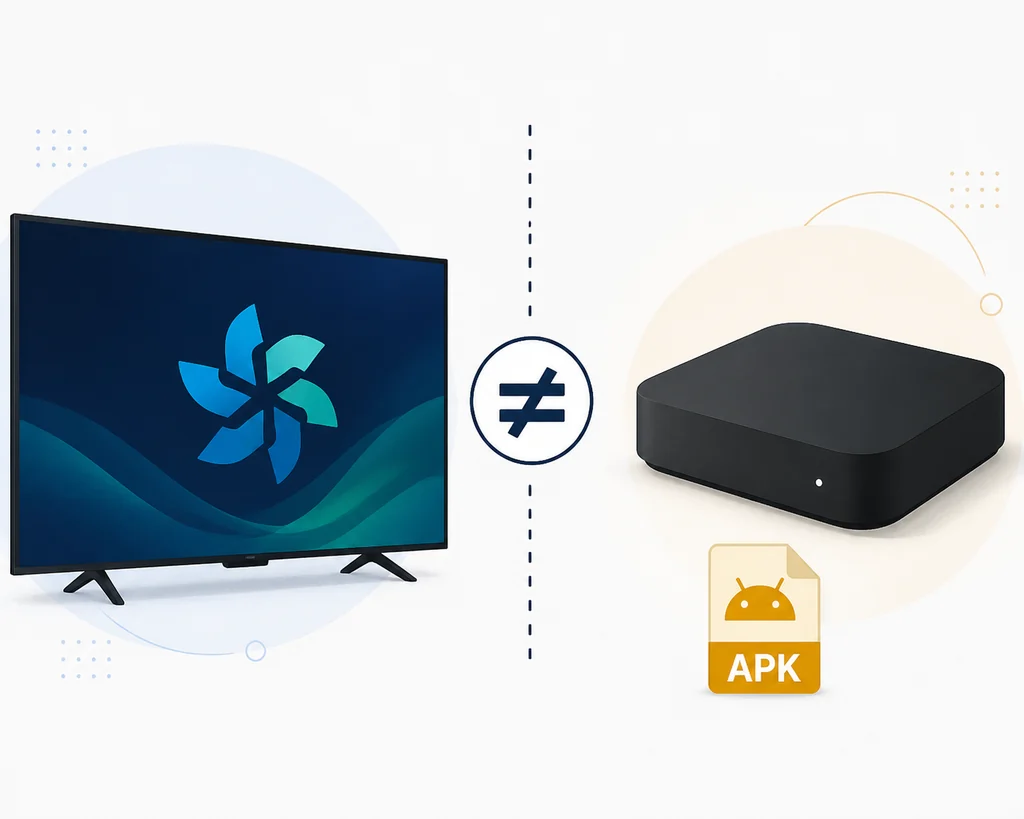
This guide answers the Samsung Tizen question directly: an Android APK is not a native Tizen app. Check Samsung's app store first, then use casting or an external Android TV device when LOKTV is not available.
Tizen guide contents
Can LOKTV Run on a Samsung Tizen TV?
A Samsung TV with Tizen does not natively open Android APK packages. APK is the application format used by Android phones, Android TV, Google TV, Fire TV, and many Android TV boxes. Tizen has its own application model, permissions, and Samsung distribution path.
The practical answer starts in the TV store. If Samsung Apps lists a compatible LOKTV application for the model and region, install it through the TV and check the publisher, permissions, supported models, and update details. If there is no listing, do not assume that a mobile APK or a file named tv.apk will run on Tizen.
Tizen and Android TV: Why the Same APK Does Not Transfer
Search results often mix Samsung Smart TV, Android TV, Firestick, and APK installation, although these are different platforms. Android TV and Google TV can accept Android packages when sideloading is supported; Fire TV follows its own flow; Samsung Tizen uses a separate operating system and store.
A package that runs on an external Android TV box does not become compatible with the Tizen software built into a Samsung television. The box supplies Android and sends the picture through HDMI, while the TV remains the display.
| Platform | Android APK | First check | Next path |
|---|---|---|---|
| Samsung Tizen TV | No direct Android install | Samsung Apps and official source | Native app, casting, or external device |
| Android TV / Google TV | Possible when sideloading is supported | Version, source, storage, remote | Use the Smart TV guide |
| Fire TV / Firestick | Often possible through Fire OS | Downloader permissions | Follow Fire TV steps |
| External Android box | The box runs Android | Where the app runs | Install on the box |
| LG webOS / Roku TV | No direct Android APK | Platform store | Casting or compatible device |
How to Check Samsung Apps for LOKTV
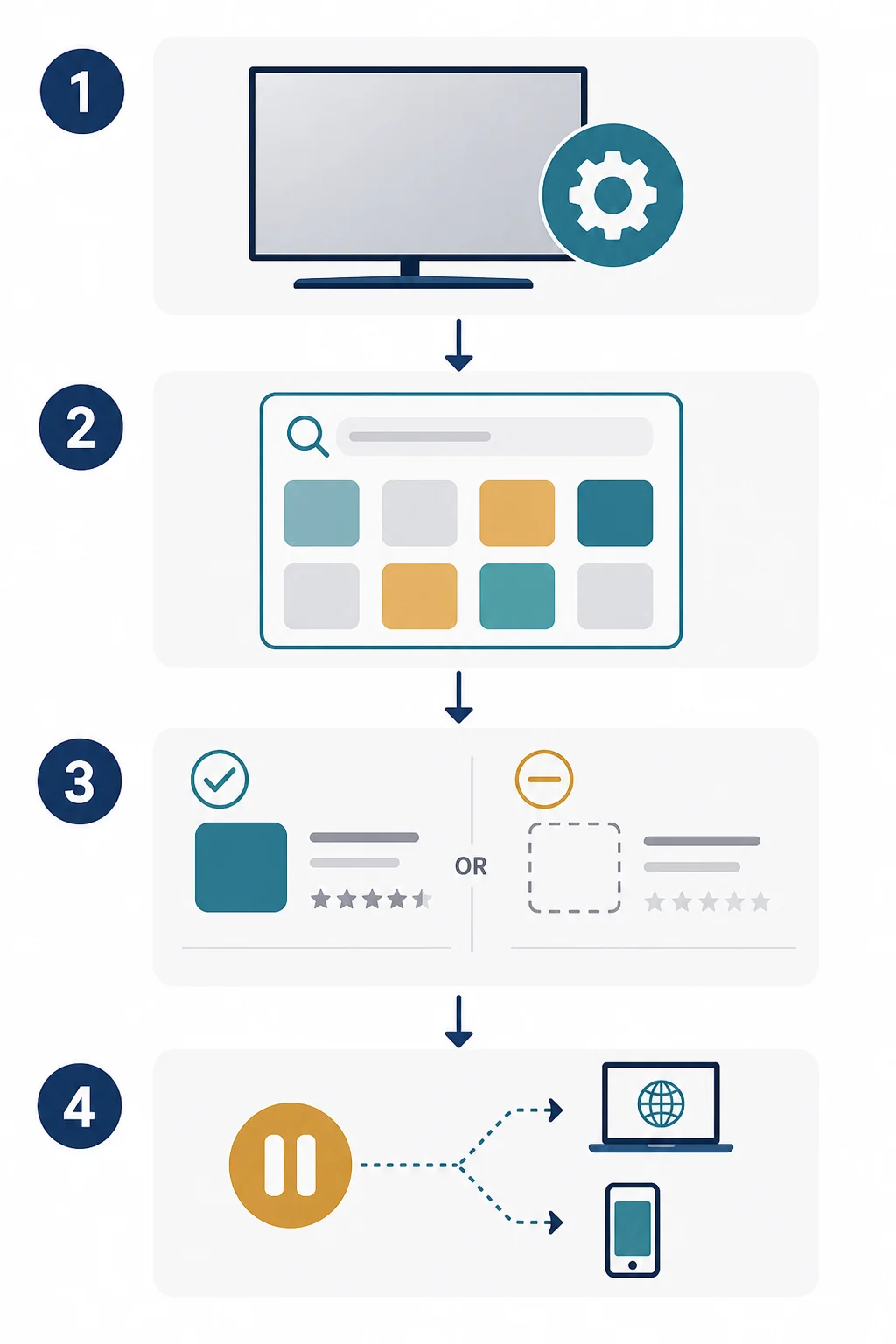
Start with the built-in store because it is the route designed for Tizen applications. Open Apps with the remote, search for LOKTV using the exact spelling, and inspect the app card instead of opening the first result that contains the brand.
If a result appears, compare the app name, publisher, description, screenshots, rating context, supported model information, and visible update details. If no result appears, record the TV model and region; the catalog may be limited by geography or licensing.
What to Do If LOKTV Is Not Listed
Do not repeatedly sideload random Android packages into a Tizen TV. A download page, a countdown, or a URL containing tv.apk is not proof that the response is an APK or that the package targets Samsung Tizen.
Use the official LOKTV page as a source reference, then decide whether casting or an external Android device meets the viewing need. Keep the model, region, app host, and source URL written down so that a later availability change can be checked instead of guessed.
Do not force the wrong package
If Samsung Apps does not list LOKTV, choose a compatible route with a clear source. Downloading the same unverified file from another mirror does not solve Tizen incompatibility.
Casting and External Android Devices
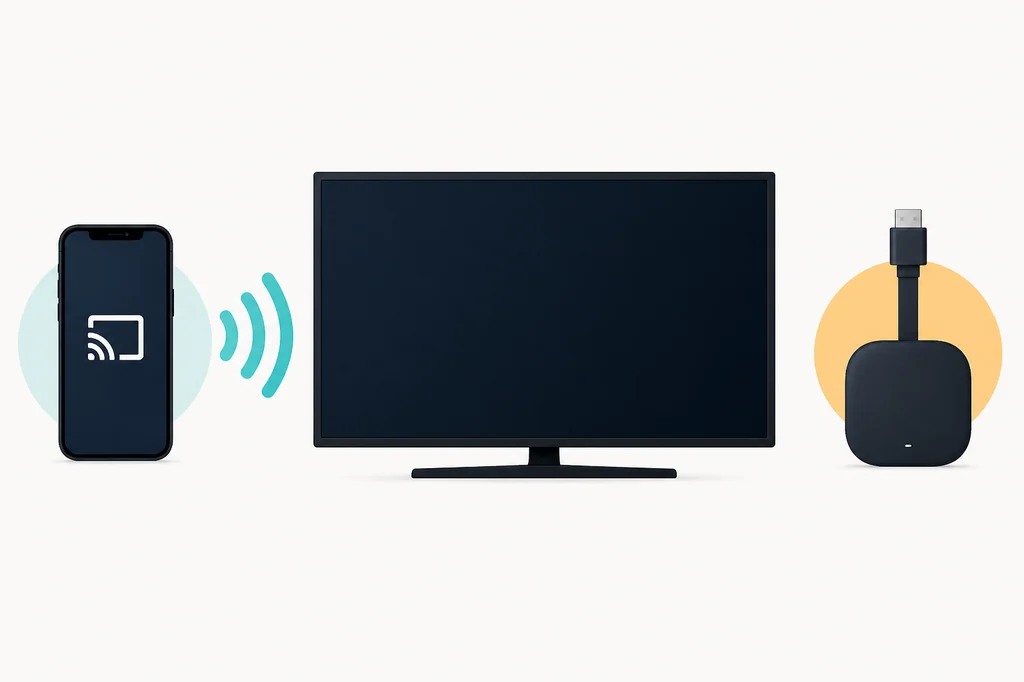
Casting keeps the application on a compatible phone while the Samsung TV acts as a display. An Android TV box, Google TV device, or compatible Fire TV can also provide the Android environment that Tizen does not provide.
These alternatives change where the app runs; they do not turn an Android APK into a Tizen application. Review the external device's account, permissions, storage, network, and update path separately.
Source, Version, and Safety Checks
For this download-intent topic, freshness comes before a download button. The current research check on August 22, 2026 did not establish a stable first-party APK file URL or a universal current version number for every device. The LOKTV website is useful as a product/source fallback, while a URL such as tv.apk must not be treated as a verified file unless its response is an actual APK with matching release metadata.
A Google Play listing may change availability by country or time, and a third-party catalog can show a version for a different package context. Do not copy a version number, file size, security claim, or direct file URL from a page that cannot be tied to the current official package and developer. If the source is unclear, keep the link as an official page or store fallback and explain what the reader should verify.
Before installing LOKTV on any Android-based external device, compare the package name, developer, update date, permissions, file type, and device compatibility. Read the existing LOKTV safety guide and package-name guide for a deeper checklist. For update questions, use the LOKTV update guide instead of assuming that a mirror labelled latest is current.
Download CTA policy
This Tizen guide does not provide a direct APK download button. Use the official LOKTV page or a clearly identified store page as the fallback, and verify the response, package, and platform before installing.
Stop When the Source Fails These Checks
- The page promises a latest or premium APK but does not identify the package, developer, update date, or file origin.
- The supposed APK URL returns HTML, a redirect page, a countdown, or a login form instead of a verifiable file.
- The file requests unrelated access such as SMS, contacts, accessibility control, or device administrator privileges.
- The installation instructions tell you to disable platform security or install a second unknown updater.
- The listing name, package name, signature, screenshots, and update details do not describe the same app.
Keep the TV Account Separate
A Samsung TV may contain streaming accounts, Wi-Fi credentials, family profiles, and payment information. Do not enter your main password or card details into a sideloaded app whose source you cannot verify. Use a unique password and a transparent platform billing flow when an account is required.
Technical compatibility does not prove licensing or content availability in your country. Confirm that the service and the content are allowed for your location before relying on any installation method.
Frequently asked questions about LOKTV on Samsung Smart TV
Related LOKTV Guides
- LOKTV APK for Android TV and Firestick — Use this broader guide when the target device is Android-based and can sideload APK files.
- LOKTV Website Guide — Check the official product domain and current platform hand-offs.
- LOKTV Update Guide — Verify update sources without trusting an unverified latest label.
- Is LOKTV Safe? — Review permissions, data disclosures, source identity, and account risks.
- LOKTV Package Name Guide — Compare package and developer claims before installing on an external Android device.
Conclusion
LOKTV on Samsung Smart TV is first a Tizen compatibility question, not simply an APK search. A native Samsung Apps listing is the cleanest route when it exists; otherwise casting or an external Android device is more realistic than forcing an Android package into Tizen.
Keep the TV display, operating system, app host, and source separate. Start with the official LOKTV website and do not claim a latest version or direct file that a first-party source does not verify.