LOKTV Website Guide: Open the Official Page and Check the Source
The official LOKTV website is a product and download portal. Use it to reach current platform links, then verify the domain, package, and store details before installing anything.
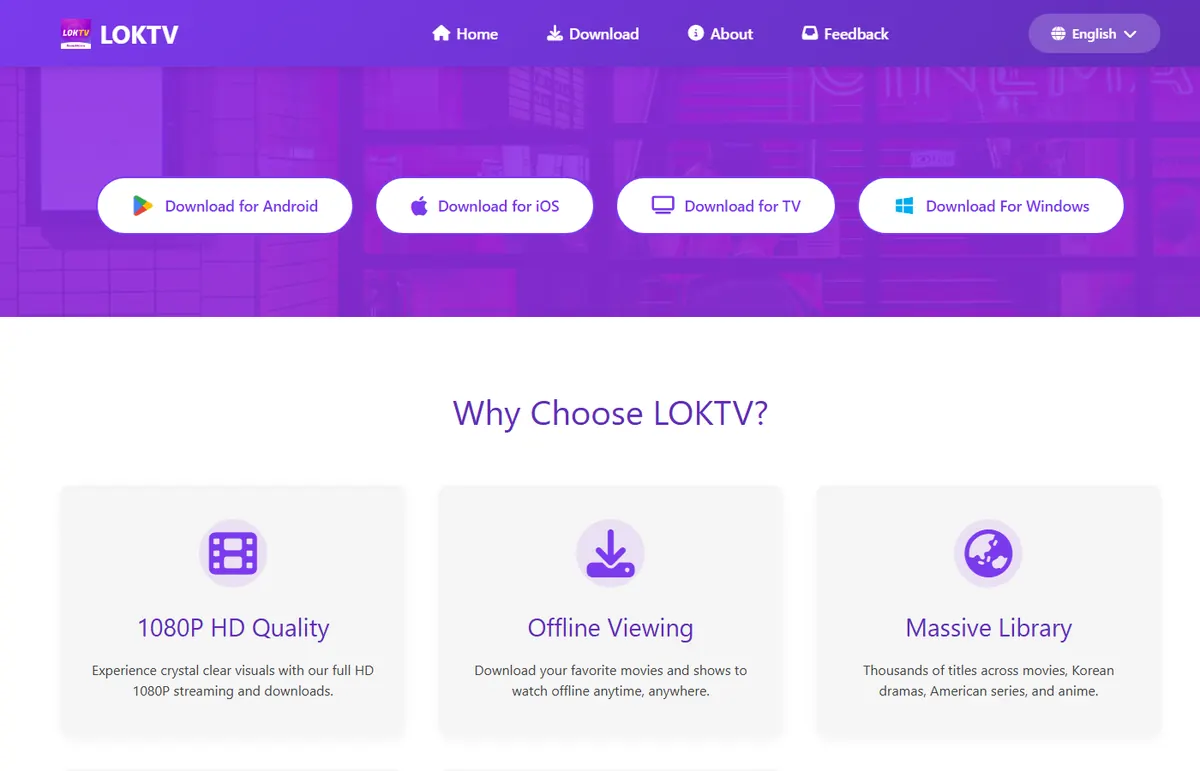
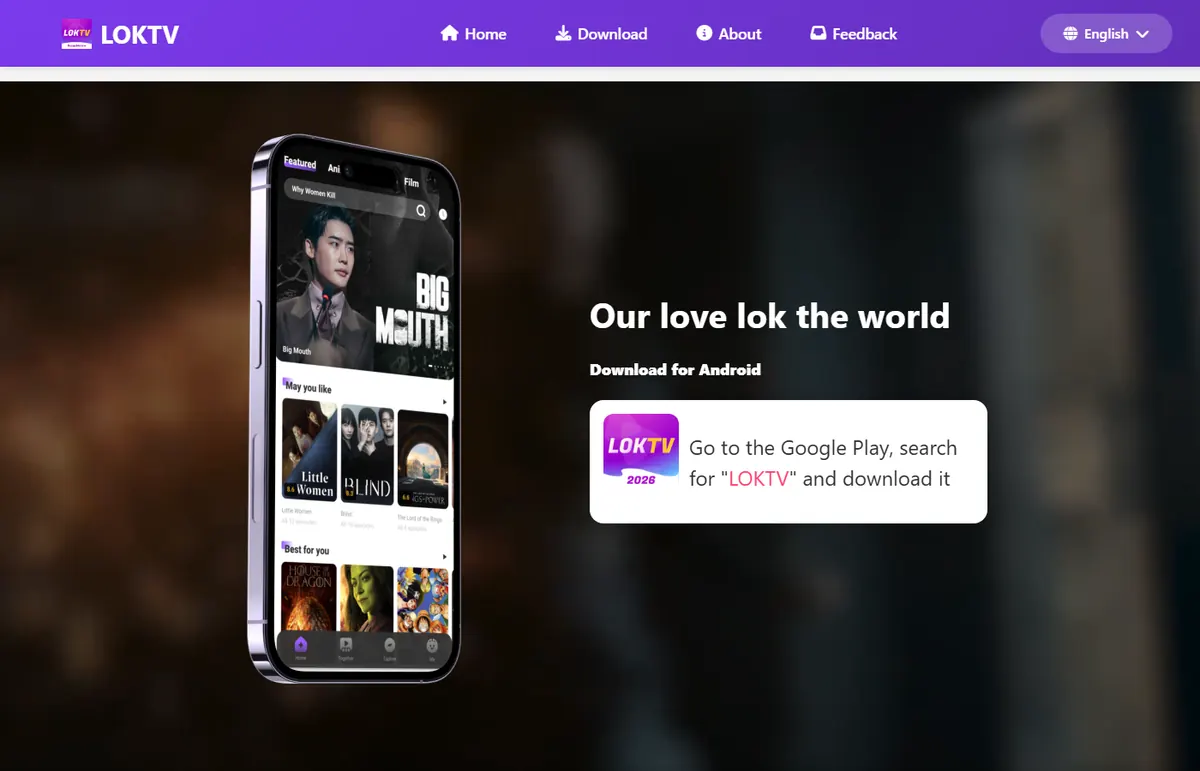
Quick answer: the LOKTV website we verified is loktv.com. Its visible home page provides Home, Download, About, and Feedback paths. The Android page tells visitors to open Google Play and search for LOKTV instead of exposing a stable direct APK file. This is an independent guide, not the official LOKTV site.
The search intent behind LOKTV website is mainly navigational: people want the correct page before they click a download button. It is different from the separate Loklok Web service covered by the Loklok Web login guide. Do not assume that a LOKTV product page is a browser streaming service, and do not treat every APK page using the LOKTV name as an official source.
This page verifies the website route and platform hand-offs. It does not claim that every mirror is official, that the browser has a full catalog, or that a stable direct APK is available.
LOKTV website guide
What is the LOKTV website?
The official LOKTV website is a product and platform entry point. During the August 6, 2026 capture, the home page showed the LOKTV brand, platform download buttons, and sections describing Android, iOS, TV, and Windows access. That makes the domain useful for finding the intended route, but it does not make every file or mirror using the same logo trustworthy.
The safest way to interpret the page is to separate three things: the website identity, the store or platform destination, and the file you eventually install. A website can point to Google Play while an unrelated search result points to a modified APK. The latter does not inherit the first-party site's identity just because its title contains LOKTV.
The page also does not prove that a full LOKTV streaming catalog is available inside a desktop browser. If you need an account, playback, or a specific device setup, use the platform route actually offered and compare it with the relevant LOKTV Windows guide or TV guidance rather than installing an APK to solve a browser problem.
The useful distinction
Use loktv.com to identify the product and reach a platform link. Verify the destination separately; a website, app listing, and APK file are not automatically the same thing.
How to open the correct LOKTV website
Type https://www.loktv.com/ into the browser address bar or open it from a trusted reference. Avoid starting with a download ad, a shortened URL, or a page that immediately displays several APK buttons. A useful first visit should let you read the host name, navigate normally, and decide whether you want a store link before asking for a file.
On the official Android route we checked, the page explained that visitors should go to Google Play, search for "LOKTV", and download from the listing. That is a store-page fallback, not a verified direct APK URL. Keep the browser page and the store page separate in your notes so an unexpected redirect is easy to spot.
Open first, download second
A page that forces a file download before you can inspect the domain, developer, package, or permissions deserves a pause.
| Surface | Use it for | What to verify |
|---|---|---|
| LOKTV home page | Brand and platform navigation | Exact host, HTTPS, normal navigation |
| Android download page | Finding the Android store path | Whether it opens Google Play or an unexpected file host |
| Google Play listing | Installing or updating Android | Package, developer, data safety, permissions, and current update date |
| Third-party APK page | Only a claim to investigate | Source, signature, package, release evidence, and redirect behavior |
Verify the domain, redirect, and download source
A copied logo is not enough. Read the host name in the address bar before you enter an account, approve a payment, or install a package. Look for a normal HTTPS connection, a consistent domain after redirects, and a page that explains what each platform button does. A page can look polished and still be a third-party mirror.
Do not use the words "official", "premium", "VIP unlocked", or "no ads" as proof. Those are marketing labels that can be copied. Compare the app name, package, developer, update date, and store identity on the final platform page. Our LOKTV safety guide and package name guide explain why identity checks matter when two files use similar branding.
Five checks before you continue
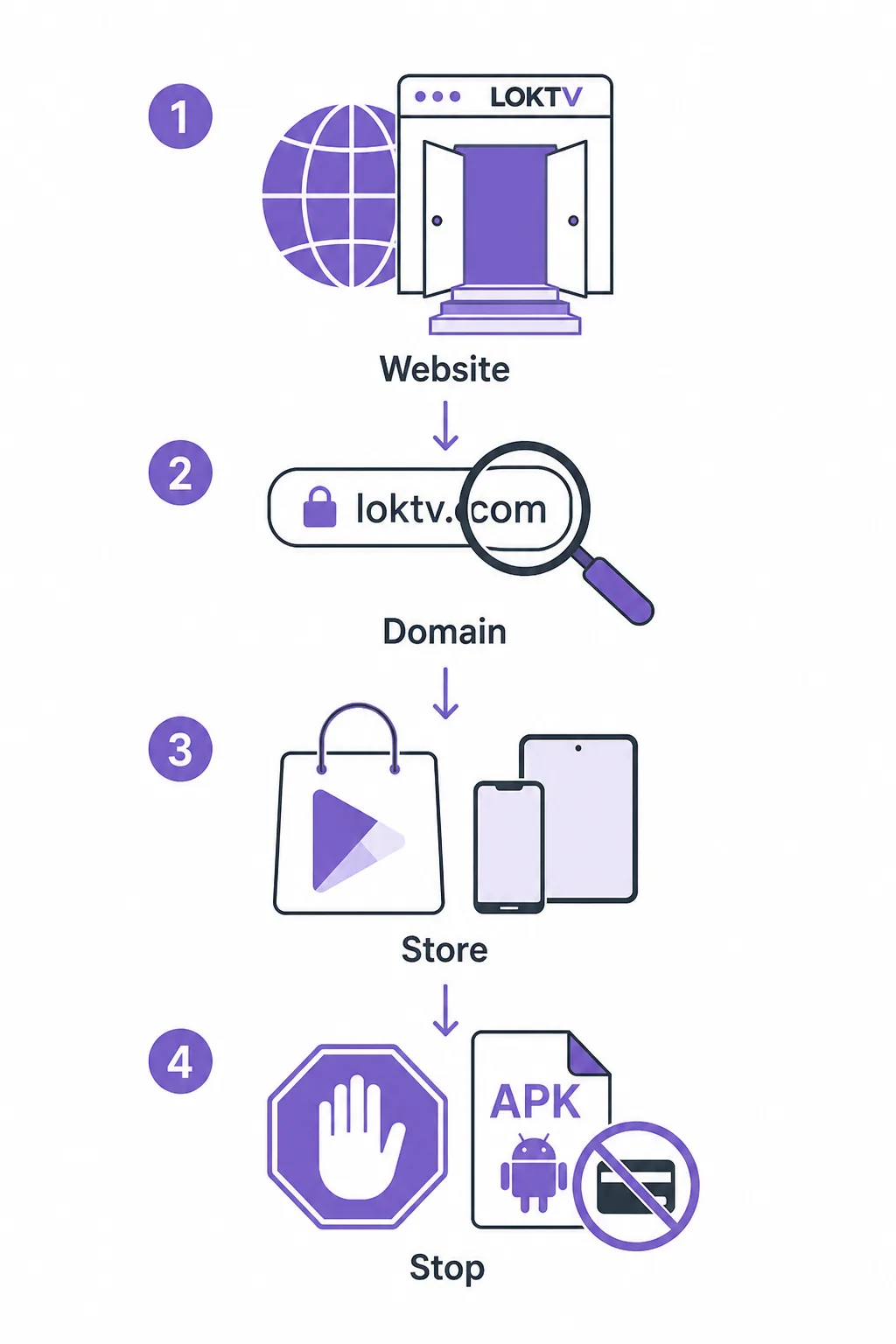
- Read the complete host name and stop if the spelling changes after a redirect.
- Check that the platform button leads to a known store or a clearly explained first-party page.
- Compare package and developer names before signing in or replacing an installed app.
- Treat a fixed APK size or an unexplained "latest version" number as a claim, not proof.
- Close pages that request unrelated accessibility control, device administration, SMS access, or a second updater.
LOKTV website, app, PC, and TV paths are different
The phrase LOKTV web can describe the website itself, not necessarily a separate browser player. Use the website when you need the product reference or the current platform link. Use an Android store listing when you need an Android installation. Use the Windows or TV route only after confirming that the device and package are compatible.
Do not merge all device keywords into one download button. The Similarweb phrase-match data shows demand for "loktv for windows", TV installation questions, and APK terms, but those queries describe different jobs. The existing PC, Smart TV, iPhone, login, and package guides should remain the owners of those intents; this page only links to them and explains how to choose the right starting point.
Choose by task
Website access is for finding and checking the route. App installation, Windows emulation, TV setup, and account troubleshooting need their own platform instructions.
| Path | Best fit | Boundary |
|---|---|---|
| Website | Find the current product and platform links | Does not prove browser streaming |
| Android app | Phone or compatible Android device | Check Google Play identity and permissions |
| Windows PC | Large-screen use or emulator setup | Use the Windows guide; do not trust random installers |
| Android TV or TV box | A TV that accepts the compatible Android package | Phone APKs may not fit remote controls |
| iPhone or iPad | A verified iOS route if offered | An APK is not an iOS install package |
Using the LOKTV website on PC, mobile, and TV
On a laptop or desktop, open the website in an updated browser and keep the address bar visible while you follow a platform link. The query "loktv website for pc" is better answered by explaining browser access and the separate Windows setup than by promising a native desktop APK. If you need an emulator, install the emulator from its own official source first, then follow the Windows PC guide for the package and playback checks.
On phones and tablets, the website is a convenient way to find the store destination. On Android TV or a compatible TV box, check remote navigation, screen layout, subtitle controls, and the exact package before installing. Android APK files are not native webOS or iOS packages. For TV questions such as installing LOKTV on LG webOS, treat the answer as a compatibility check or FAQ, not as permission to sideload an unrelated Android file.
If you are trying to sign in, keep credentials inside the verified app or store-supported flow. Do not paste a password or one-time code into a mirror page that appeared after a download redirect. The separate LOKTV login guide covers account and code troubleshooting.
A simple device routine
- Open the verified website in the device's normal browser.
- Select the platform path that matches the device, not the most aggressive download button.
- Check the final store or package identity before installation.
- Test ordinary navigation and playback before adding account or payment details.
- Remove unknown-source permission or an installer file when the task is complete.
Fix common LOKTV website and redirect problems
A blank page does not automatically mean you need a repair APK. First test the verified host in a private window, update the browser, disable only extensions that block the page, and check whether the same result appears on another trusted network. Change one variable at a time so you can tell whether the problem is local or service-side.
If a button opens a different domain, an unexpected payment screen, or a download that was not explained on the official page, close it and return to the last known host. Do not approve notifications, accessibility access, device administration, or a second updater to fix a normal website problem.
| Problem | Likely cause | Safer next step |
|---|---|---|
| The site is blank | Cache, script, browser, or service issue | Try a private window and another current browser |
| The domain changes | Redirect, mirror, or campaign link | Read the new host and return if it is not expected |
| A page demands an APK | The page is not a normal web route | Use the official store path or leave the page |
| The browser cannot play content | The page may only be a product portal | Use the verified platform route; do not install a random fix |
| The app asks for unrelated rights | Modified package or excessive setup | Cancel, uninstall if needed, and review the safety guide |
Current source and version freshness check
This download-site guide was checked again on August 14, 2026. Sources checked were the official LOKTV website, its Android download path, and the current Google Play listing for package com.morph.curve. The public listing identifies developer LOKTV DEV and shows an update date of July 31, 2026 in the current check. Google Play does not expose one universal version number or fixed APK size for every device, so this page deliberately leaves both values unclaimed.
There is also no verified stable first-party direct APK file to publish here. The Android call-to-action therefore uses the official website or Google Play page as a fallback, not a guessed CDN path or a temporary signed URL. Release notes were not exposed as a complete public changelog in the checked pages. If a future store update changes the package, developer, date, or platform path, recheck this page and the related safety, package, login, and homepage fields before calling a file current.
| Field | Verified result on August 14, 2026 | CTA policy |
|---|---|---|
| Official website | https://www.loktv.com/ | Link to the official page |
| Android package | com.morph.curve | Open the Google Play listing |
| Developer | LOKTV DEV | Compare on the store page |
| Update date | July 31, 2026 | Do not promote an older mirror as latest |
| Version and size | No universal public value | Do not invent a number or fixed file size |
| Direct APK | Not verified as a stable first-party file | Use official page/store fallback |
LOKTV website FAQ
Related LOKTV guides
- LOKTV safety guide — Review source, permissions, data disclosure, and warning signs before installation.
- LOKTV package name guide — Compare package identity when a store listing and an APK mirror disagree.
- LOKTV Windows PC guide — Follow the separate emulator and large-screen setup path.
- LOKTV login guide — Troubleshoot accounts and codes without entering credentials into a mirror page.
Bottom line: verify the route before the file
For the query LOKTV website, start with loktv.com, read the destination before clicking, and use Google Play when the official Android route sends you there. Keep the website, store listing, package, and installed file as separate verification steps.
A good website guide does not promise a universal latest APK or claim that every LOKTV-branded mirror is safe. It gives you the correct starting point, sends Windows, TV, iPhone, login, and package questions to the right existing guide, and tells you when to stop.