LOKTV Login Guide: Account, Password and QR Fixes
A practical guide to signing in through the current LOKTV app, keeping account and payment details safe, and solving the most common login failures without trusting unofficial account sellers.
Quick answer: open the LOKTV app from the store or product route you trust, then use the account or profile control shown in that build. Follow only an email, phone, one-time-code, social, or QR option that the app actually displays. Authentication methods can vary by device and region; never enter credentials on an APK mirror, reseller page, or chat message.
This guide covers LOKTV login for the app: account access, recovery, codes, QR prompts, and common failures. It does not duplicate the Loklok Web login guide or the LOKTV Windows guide, which handle separate browser and installation intents.

LOKTV account guide
Before LOKTV Login: Verify the App
A copied name or logo is not enough to identify an app. Open the store or product page you reached through a first-party route, then compare the publisher and app identity with the installed version. Check the permissions and data-safety details shown by the platform before entering an account password, payment detail, or one-time code. Store availability and product details can vary by region, so treat the listing as a reference for the app on your device rather than proof about every APK using the same name.
If the app came from a mirror, pause before signing in. Do not reuse your email password or approve an unfamiliar QR session. When the source or package differs from the one you expected, verify it first or remove it and return to a trusted store route.
Identity baseline
Match com.morph.curve, LOKTV DEV, and the current Google Play page before entering account credentials.
| Check | Current reference | Stop if you see |
|---|---|---|
| Android package | com.morph.curve | A different identifier with no first-party explanation |
| Developer | LOKTV DEV | Anonymous uploader or unrelated developer |
| Updated | July 31, 2026 | An older build advertised as the universal latest version |
| Download | Google Play or official page fallback | Forced files, countdown pages, or rotating mirror links |
How to Log In to LOKTV or Create an Account
Open the verified app and look for Profile, Account, Me, Sign in, or a user icon. The wording can change by locale or release. Choose only an authentication method visible inside the current app. Depending on region, that may be email, phone number, a one-time code, a supported social identity, or a QR handoff. Do not follow a tutorial that asks you to install a second login helper or send credentials to a person.
For a new account, enter an address or number you control, read the displayed agreement and privacy information, and complete the verification inside the app. Use a unique password if password creation is offered. For an existing account, use the same sign-in method you originally chose; an email account and a social login using the same address may still create separate identities.
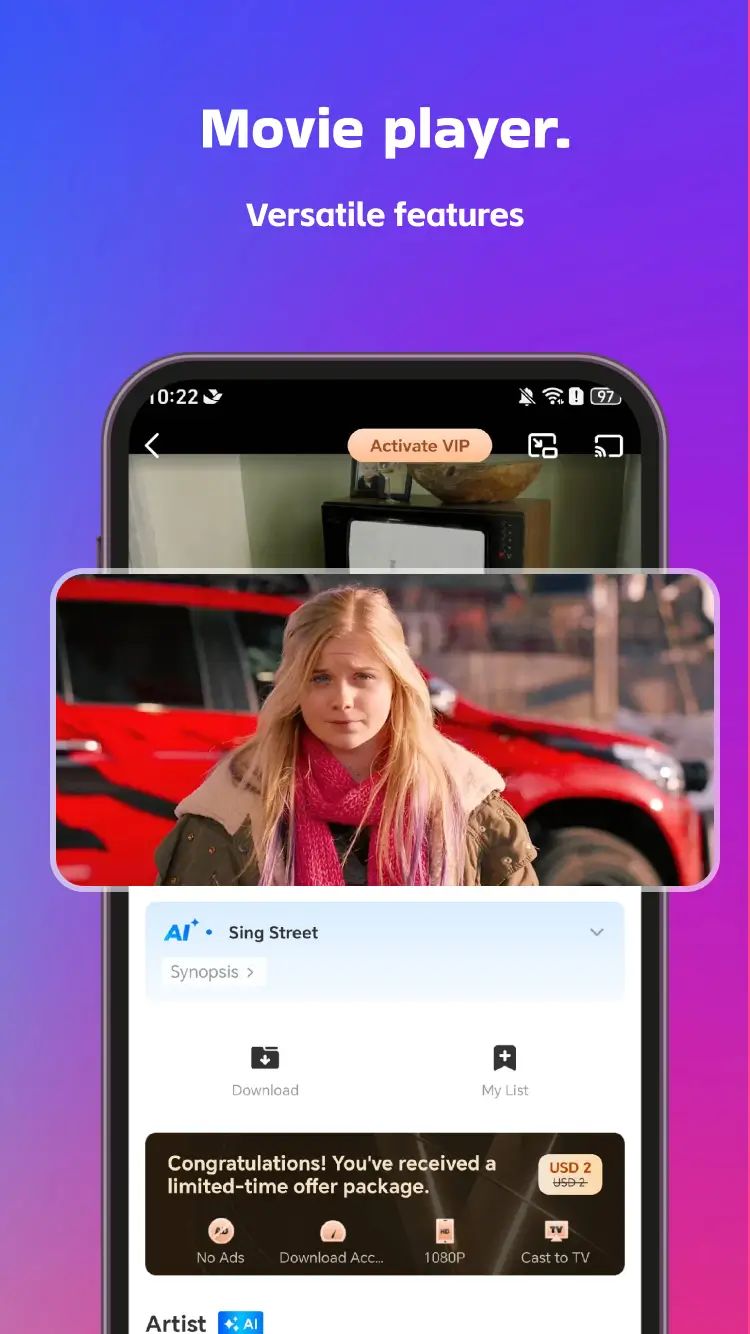
Safe sign-in sequence
- Open LOKTV from Google Play or your already verified installation.
- Confirm package and developer before opening the account screen.
- Choose the same email, phone, social, code, or QR method used before.
- Complete verification only inside the app or its clearly linked identity page.
- Check profile and subscription details before making another purchase.
LOKTV Verification Codes and QR Login
A one-time code should arrive only after you request it. Check the address or phone number before tapping Send, wait for the visible countdown, and avoid repeated requests that can trigger a rate limit. Never tell a support commenter, account seller, or social-media contact the code. A valid code can be as sensitive as a password because it may approve a login or password reset.
If LOKTV displays a QR code on a TV or desktop, scan it only with the camera, account, or companion flow specified by the current app. Before approving, read the destination hostname and the device name shown on your phone. Cancel if the QR opens an unrelated domain, asks for an APK, requests payment before showing the device, or attempts to add an unknown profile.
Code rule
Request, receive, and enter the code yourself. A legitimate helper does not need to know it.
| Prompt | Normal check | Risk signal |
|---|---|---|
| Email or SMS code | You requested it and the destination is yours | A stranger asks you to forward the code |
| QR pairing | Expected device and official-linked hostname | Unknown domain, forced download, or hidden device |
| Password reset | Started from the verified app | Payment requested to restore access |
Fix LOKTV Login Not Working
Start with the least destructive checks. Confirm the internet connection, automatic date and time, and current app source. Force-closing the app and reopening it is safer than immediately deleting all app data. If a one-time code is delayed, verify the destination, spam folder, country code, and rate-limit countdown before requesting another.
For a login loop, update the app through the same store, restart the device, and try the same authentication method again. Clear only the LOKTV cache first. Clearing storage or reinstalling can remove offline downloads and local settings, so record the account method and confirm recovery access before doing it. Do not install a modded build as a login fix.
| Problem | Likely cause | Recommended action |
|---|---|---|
| Code never arrives | Wrong address, spam filter, delay, or rate limit | Verify the destination and wait before one controlled retry. |
| Login returns to start | Expired session, old cache, or mismatched method | Update, restart, clear cache, and reuse the original method. |
| Account not found | Different social/email identity or region | Check the original welcome email or store receipt. |
| Subscription missing | Different account, app, or payment store | Verify the receipt before purchasing again. |
Using One LOKTV Account on Phone, Windows, and TV
Device support and account synchronization are separate questions. A Windows app, Android phone, Android TV, Fire TV, or browser route may use a different client even when the brand name looks similar. Sign in only after verifying the platform source, then check whether the account page lists the new device. Avoid sharing a personal account with strangers or buying a preloaded account whose recovery email belongs to someone else.
On Windows, update through the verified Microsoft Store listing when that is the installed source; the question keyword “how to update LOKTV in Windows” belongs in the existing Windows PC guide, not a duplicate article. On Smart TV, use the platform-specific TV guide and review remote controls and pairing prompts before approving QR login.
Protect Your LOKTV Password, Subscription, and Devices
Use a password that is unique to this service and store it in a password manager. Do not reuse your primary email password. Enable a supported second factor when offered, keep recovery information current, and review new-device messages. If you receive an unsolicited code, do not enter or share it; open the verified app separately and inspect active sessions.
Treat cheap VIP accounts, shared premium credentials, cracked subscriptions, and “activation” sellers as account-takeover risks. The seller may retain the recovery address, revoke access later, reuse your password elsewhere, or ask you to approve a device you do not control. Pay only through a transparent platform flow shown by the verified app, and save the store receipt.
Account safety baseline
Unique password, verified app, private codes, transparent billing, and regular session review.
Troubleshoot Login After a LOKTV Update
An update may refresh the sign-in screen, end a saved session, or expose a temporary loading problem; it does not prove that an account was deleted. Wait until the store update finishes, then force-close and reopen the app. Use the same sign-in method as before. Switching between email, phone, and social sign-in can open a separate account even when the contact address matches.
If the screen still loops, check the device date and time, network connection, and whether a VPN or private DNS is blocking the request. Change one setting for a short test, then restore it. For a delayed code, confirm the destination and wait for any countdown before requesting another. Clear the app cache only after a restart fails.
Before clearing storage or reinstalling, confirm that you can reach the original recovery email or phone; those actions may remove local settings or downloads. Do not install a modified APK to restore login. If the problem is installing the update itself, use the existing LOKTV update guide rather than changing the account method.
LOKTV Login FAQ
Related LOKTV guides
- LOKTV Windows PC guide — Install and update the verified Windows client.
- LOKTV Smart TV guide — Handle TV installation and QR/device pairing.
- Is LOKTV safe? — Review package, permissions, data, and payment risks.
- LOKTV and Loklok comparison — Understand why similarly named accounts may not transfer.
Use the Verified App and Keep Codes Private
A safe LOKTV login starts before the password field: verify the app, package, developer, and platform source. Then use the authentication method shown inside that exact build, keep one-time codes private, and check the active profile before paying or changing account data.
If login fails, work from cache, network, time, account-method, and store-receipt checks instead of installing another APK. Keep Windows updates, TV installation, app safety, and LOKTV-versus-Loklok identity questions on their dedicated guides so each page answers one clear search intent.