Why Is LOKTV APK Download Taking So Long? Fixes
Separate a slow file transfer from a bad source, missing storage, browser limits, or an installation problem before you download again.
Quick answer: if you are asking why is LOKTV APK download taking so long, check for an unstable connection, a busy host, low storage, or a redirect. Look for a real APK name and a changing byte count. New tabs, countdowns, or no file transfer may point to the source rather than your internet.
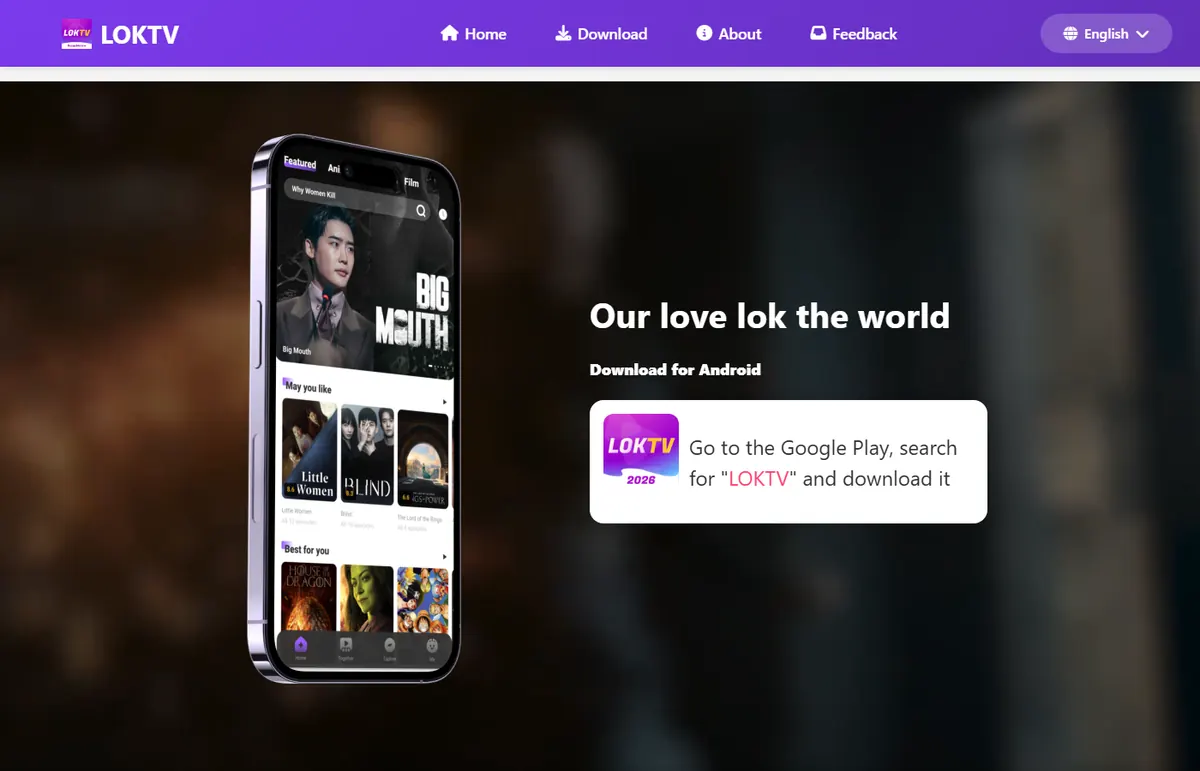
This page covers APK transfer before installation. The offline download guide covers saving movies in the app; the not-working guide covers playback. Start from the official LOKTV website and verify the final route.
This guide starts before installation: it explains why an LOKTV APK can download slowly, how to test the file-transfer path, and when to stop rather than trust a mirror or repair APK.
LOKTV APK download troubleshooting
Why Is LOKTV APK Download Taking So Long?
A slow download is a transfer symptom, not proof that the app is broken. A browser resolves a host, follows redirects, receives bytes, then writes them to storage. Watch the address bar, download panel, and file size together for about a minute.
A steadily growing file is transferring. Zero bytes, an HTML file, or repeated redirects mean another retry may not help. Verify the host: a mirror can use the LOKTV name while serving an expired link, an ad, or a different package.
Read the symptom first
Growing bytes suggest a slow connection or busy server. No file, a redirect loop, or an HTML download suggests a source or browser problem.
| What you see | Most likely layer | First action |
|---|---|---|
| File size keeps growing | Network or busy host | Keep one transfer open and test a stable network |
| Download stays at 0 B | Redirect, blocked request, or source | Read the final host and close unexpected tabs |
| File finishes but will not install | Package, storage, or Android compatibility | Check the file type and use the Android guide |
| Several different APKs are slow | Network, browser, or device storage | Test one known safe file and check free space |
Check Whether the APK Is Really Downloading
Confirm the transfer before changing Wi-Fi or installing another browser. Android should show a download notification or Downloads row. A real APK ends in .apk and has a changing, non-zero size; an HTML response is not an install package.
Note the start time, final host, file size, and progress. Keep account details and signed URLs private. These observations make a second-network comparison useful.
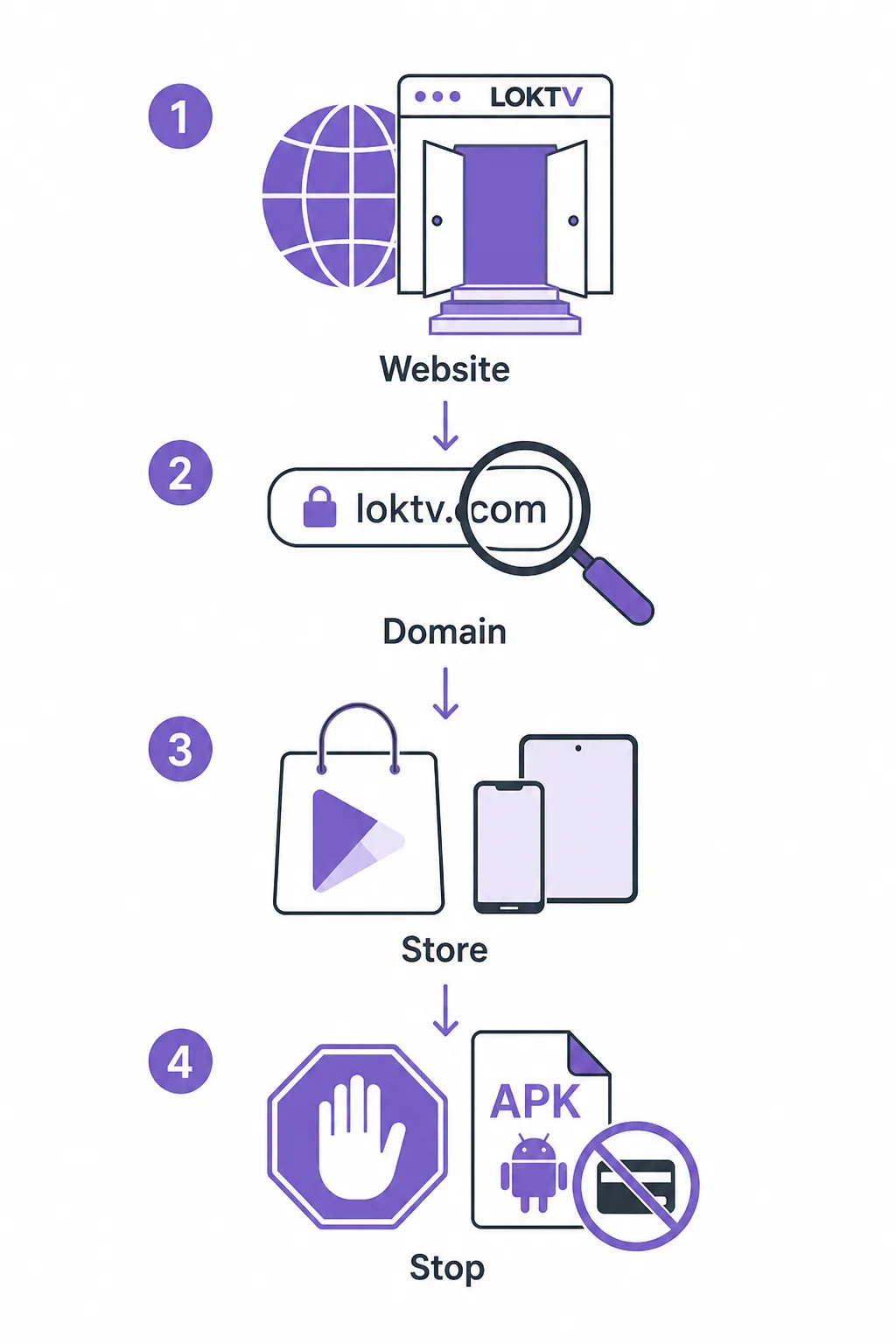
Three quick observations
- Does the final address bar host match the source you intended to open?
- Does the browser show a real APK file with a changing byte count?
- Does the device have enough free space for the download plus temporary data?
Fix Network and Server Bottlenecks
Weak Wi-Fi, a crowded mobile connection, a VPN route, or background uploads can reduce speed. Pause large transfers, move closer to Wi-Fi, and make one comparison on another trusted connection. Change one setting at a time. If the same file is faster on mobile data, inspect the local network first.
A busy host may start the transfer but send bytes slowly; a broken source may never provide a valid file. Wait briefly, retry once from the verified route, and compare with a small trusted download. A mirror's speed does not prove its APK is authentic.
Change one variable
Use one short network comparison, then restore the original settings. A faster transfer does not make an unverified package safe.
| Test | What it isolates | How to interpret it |
|---|---|---|
| Same file on another network | Wi-Fi versus carrier path | If one is faster, inspect that route |
| Small trusted file | Browser and storage | If all downloads fail, check the device |
| Retry after a short wait | Temporary host load | Still stalled: return to source checks |
Check Storage, Browser, and Android Limits
The device needs room for the APK, a temporary browser file, and installation. Low storage can stall a transfer near the end. Check free space; remove old downloads or unrelated cache instead of clearing LOKTV app data, which may sign you out or remove offline content.
If the browser blocks the request, check Downloads permission, background data, and notifications. Use a current browser and keep one tab open. Android's unknown-app permission applies after the file arrives; it does not speed up a transfer.

Storage and permission checklist
- Keep more free space than the displayed APK size because temporary download data also needs room.
- Confirm the browser can write to Downloads and that notifications are not hiding a paused transfer.
- Do not grant accessibility, device-administrator, SMS, or contact access to a download page or installer that does not explain the need.
- Read Android's unknown-app guidance only when you have a file from a source you have verified.
Verify the Source Before You Retry
A slow page is a reason to inspect the source, not to find a faster mirror. Start at loktv.com. The official page checked here exposed platform routes, but no stable universal Android APK URL, version, or size. Treat third-party numbers as unverified claims.
Compare the final host, package, developer, and file extension. Close pages that open unexplained tabs, demand notifications, use countdowns, or return HTML. See the package-name guide and safety guide.
Speed is not authenticity
A fast file from an unclear host is a worse result than a slow file from a source you can identify and verify.
| Source signal | Safer interpretation | Stop condition |
|---|---|---|
| Official route | Identify the platform | Unexpected host |
| Package and developer | Compare platform details | Hidden or inconsistent identity |
| File name and type | Confirm APK response | HTML, countdown, or redirect |
| Version claim | Require first-party evidence | Number appears only on a mirror |
Use a Safe Retry Workflow
Use one controlled retry to preserve evidence and avoid installing a second package. Stop if the source keeps redirecting or the file remains invalid. A normal retry should show a changing size, enough storage, and a complete file before installation.
If the source cannot be verified, leave the page and use a known platform route instead of searching for a faster copy.
Six steps
- Pause the transfer and record the final host, file name, size, and visible error.
- Close unexpected tabs and return to the official product or store route.
- Check free storage, browser Downloads permission, and whether the file is really an APK.
- Run one short comparison on a stable second connection or a small known-safe file.
- Retry once from the verified route while keeping the browser on one page.
- Open the Android installation flow only after the file is complete and its source and identity make sense.
What to Check After the File Arrives
A complete download is not a successful installation. Confirm a non-zero file, expected extension, and intended source. For parsing, compatibility, or storage errors, use the Android guide instead of downloading another package immediately.
Do not open several unknown installers. If you used a file from an unclear host, review permissions and credentials entered there. Turn off unknown-app permission when installation is complete.
| Post-download check | Why it matters |
|---|---|
| File is complete and non-zero | Rules out a partial transfer |
| Host and route are documented | Makes the source auditable |
| Package and developer are consistent | Reduces lookalike or modified-app risk |
| Device has compatible Android and free space | Separates install errors from network errors |
LOKTV APK Download FAQ
Related LOKTV guides
- LOKTV Android APK guide — Package and installation checks.
- LOKTV package-name guide — Compare package identity.
- LOKTV website guide — Find the verified product route.
- LOKTV not-working guide — Playback issues after installation.
- LOKTV offline download guide — Save movies and subtitles in the app.
Bottom Line: Verify the File Path Before the File
When an LOKTV APK download is slow, check the host, file type, storage, browser state, and one network comparison. If no verifiable APK arrives, stop and return to the official platform route.